Lesson
Find and Use Python Add-ons
ROBOT OFFLINE PROGRAMMING (OLP)
This tutorial covers the basic steps to setup a spray in Robotics OLP that can be visualized and analyzed for OLP use. Use the layout provided in 4.9 eCatalog to create and modify your own sprays and analyze them with inspection tools.
Software Version: 4.9.0 or higher
Product: Premium OLP, Professional OLP or Robotics OLP
2 answers.
Component Modeling
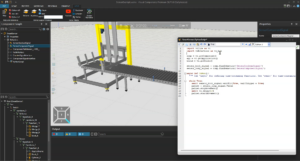
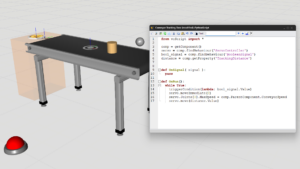
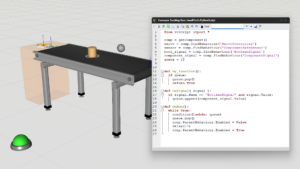
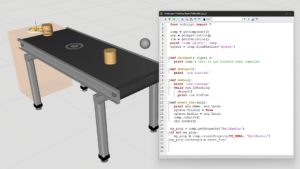
Learn how to create a Python 3 script, wait signal values, and write property values.
Connectivity
Learn how to use LS Electric connectivity plugin
Component Modeling
Learn how to use Motion Controller behavior for modeling a gripper.
Robot Offline Programming (OLP)
Connecting to a Fronius Power Source and Managing Programs.
Getting Started
Use output panel for an improved filtering messages and separate infos, warnings, and errors.
Robot Offline Programming (OLP)
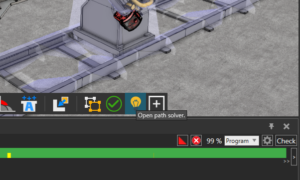
Learn how to use the solver to remove path problems such as joint limits, collisions, etc.
Robot Offline Programming (OLP)
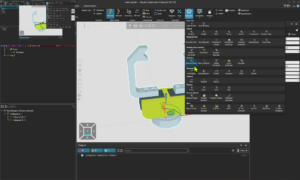
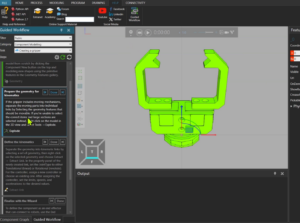
Learn how to create collision geometries.
Robot Offline Programming (OLP)
Learn how to use WPS Rule Manager and WPS Rule Selector.
Robot Offline Programming (OLP)
Connecting to a Fronius Power Source and Managing Programs.
Robot Offline Programming (OLP)
Learn how to use the solver to remove path problems such as joint limits, collisions, etc.
Robot Offline Programming (OLP)
Learn how to create collision geometries.
Robot Offline Programming (OLP)
Learn how to use WPS Rule Manager and WPS Rule Selector.
Robot Offline Programming (OLP)
Introduces searching as a function in robotic welding and possibilities of utilizing searches in robot programming when using Visual Components OLP.