Lesson
Find and Use Python Add-ons
LAYOUT CONFIGURATION | OTHER LIBRARIES
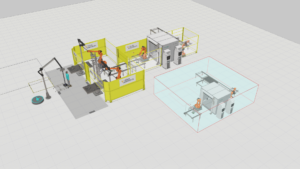
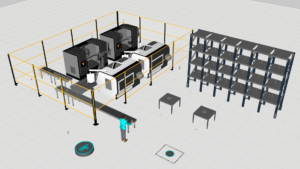
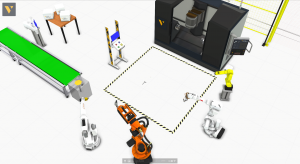
This tutorial shows you how to configure a machine tending layout from start to finish. You learn how to use a feeder to create products, and use conveyors to transport those parts. You learn how to use components in the Machine Tending library with Feeler machines to simulate a machine process that uses robots.
Software Version: 4.1.1 or higher
0 answers.
Layout Configuration
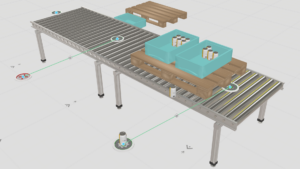
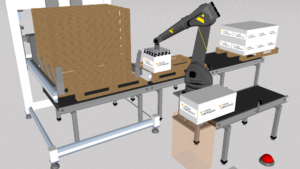
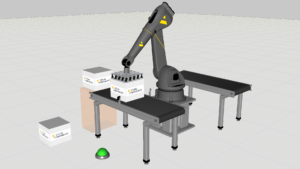
Learn how to use Pick And Place Components to create pick and place applications on moving conveyors.
Layout Configuration
Learn how to find factory facilities in the Visual Components eCatalog.
Layout Configuration
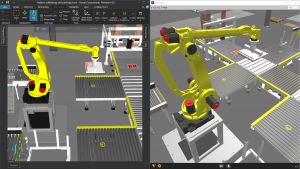
Learn how to use the Robot Transport Controller component. This will describe the basic use on high level and documents all the properties found on the property panel tabs in detail.
Layout Configuration
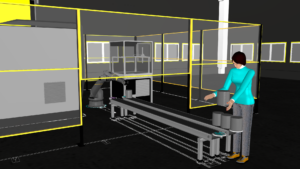
Create a layout using Process Modeling that simulates a machine tending process and assembly process involving a human.
Layout Configuration
Takes you through layout creation, material flow modelling and production volume optimisation for a small factory system.
Layout Configuration
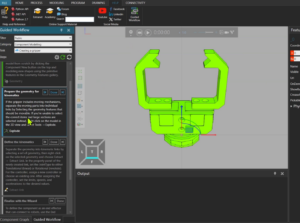
How to define steps for utilizing a component or doing a task using Guided Workflow tool
Layout Configuration
How to create assembly products during simulation and add or remove parts.
Layout Configuration
How to create Assembly product type manually or automatically using the helper tool.