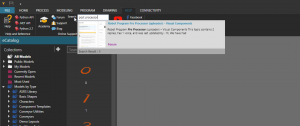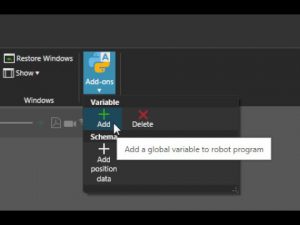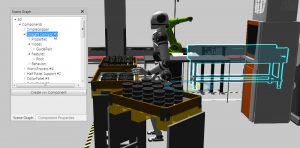
Lesson New
Learn the basics of the FactoryLens Add-on
CONNECTIVITY | CONNECTING TO SERVER
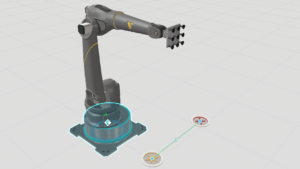
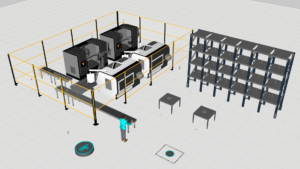
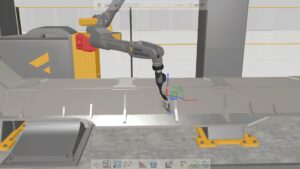
In this tutorial, you will learn how to establish a real-time connection between a Techman (TM) robot and a Visual Components simulation using the Connectivity tab. The lesson covers the full workflow—from preparing the simulation layout and generating the robot program to configuring TMflow and setting up a communication server. By the end, you will understand how to exchange signals and motion commands between Visual Components and a physical or virtual Techman robot, enabling realistic testing, validation, and demonstration of robot behavior.
Software Version: 5.0 or higher
Product: Premium or Premium OLP
0 answers.
Connectivity
In this video you will learn how to use OPC UA to connect Visual Components
Connectivity
Learn how to set up Visual Components with Allen-Bradley PLC
Connectivity
Learn how to connect Visual Components with an Epson Virtual Robot Controller.
Connectivity
Learn how to use the connectivity plugin for Nachi robots
Connectivity
Learn how to use LS Electric connectivity plugin
Connectivity
Learn how to use the MQTT Client to connect to an MQTT broker.
Connectivity
Learn how to connect a Denso robot to simulation.
Connectivity
Learn how to use MELFA robot connectivity plugin.