Skip to content
  • Licensing
  • OLP Extranet
  • Support
  • Main websiteVisual Components
  • Forum
Visual Components Academy
Find and Use Python Add-ons

Lesson

Find and Use Python Add-ons

Add a Gallery Menu

Lesson

Add a Gallery Menu

Creating Add-ons

Course

Creating Add-ons

Add a Scene Graph Panel

Lesson

Add a Scene Graph Panel

Add a Background Plugin

Lesson

Add a Background Plugin

View all lessons
Python 3 Overview

Lesson New

Python 3 Overview

Model a gripper using motion controller V2

Lesson New

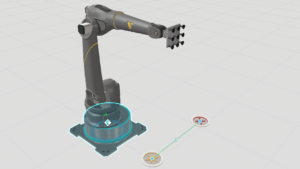
Model a gripper using motion controller V2

Blocking functions in Python API 2.7 part 2

Lesson

Blocking functions in Python API 2.7 part 2

Blocking functions in Python API 2.7 part 1

Lesson

Blocking functions in Python API 2.7 part 1

Introduction to Python API 2.7

Lesson

Introduction to Python API 2.7

View all lessons
LS Electric Connectivity Plugin

Lesson New

LS Electric Connectivity Plugin

MQTT Client Tutorial

Lesson New

MQTT Client Tutorial

Denso Robot Connectivity Plugin

Lesson New

Denso Robot Connectivity Plugin

Techman robot connectivity plugin

Lesson New

Techman robot connectivity plugin

MELFA Robot Connectivity Plugin

Lesson New

MELFA Robot Connectivity Plugin

View all lessons
Output Panel

Lesson New

Output Panel

Focus on your layouts using Focus mode

Lesson

Focus on your layouts using Focus mode

Managing larger simulations with Sub-layouts

Lesson

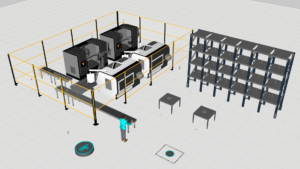
Managing larger simulations with Sub-layouts

Access Help Files and Online Material

Lesson

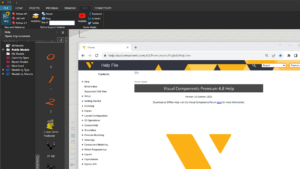
Access Help Files and Online Material

Start Using Visual Components

Lesson

Start Using Visual Components

View all lessons
Robot Transport Controller Manual

Lesson New

Robot Transport Controller Manual

Introduction to Layout Configuration

Lesson

Introduction to Layout Configuration

Self-Training Video

Lesson

Self-Training Video

Create steps to perform a task using Guided Workflow

Lesson

Create steps to perform a task using Guided Workflow

How to complete an Assembly or Disassembly Task

Lesson

How to complete an Assembly or Disassembly Task

View all lessons
Using Path Solver

Lesson New

Using Path Solver

Create Collision Geometry

Lesson New

Create Collision Geometry

OLP - Introduction to searching

Lesson

OLP - Introduction to searching

Palletizing robot programming

Lesson

Palletizing robot programming

Signals with robots

Lesson

Signals with robots

View all lessons
Web viewer for custom HMIs

Lesson

Web viewer for custom HMIs

Introduction to Interactive VR

Lesson

Introduction to Interactive VR

Streaming Simulation to VR

Lesson

Streaming Simulation to VR

Live Stream a Simulation

Lesson

Live Stream a Simulation

View all lessons
  • Courses
  • Learning Paths
  • Lessons
  • Webinars

‹ Back to all lessons

Find and Use Python Add-ons

ADD-ONS AND EXTENSIONS | PYTHON API

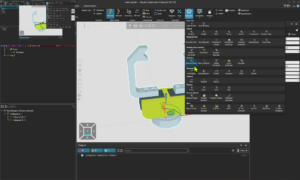
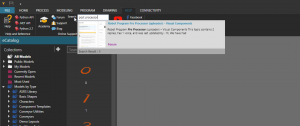
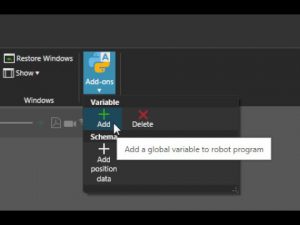
This video shows how to find Python add-ons on our forum and make them available for use in a Visual Components product.

Software Version: 4.2.1 or higher

Forum

What did you think about the lesson?

28 answers.

Please share your thoughts with us


We would be interested in your opinion. Specific technical questions should be submitted to our Forum or Support.

Similar content

15:18

Add-Ons and Extensions

Add a Gallery Menu

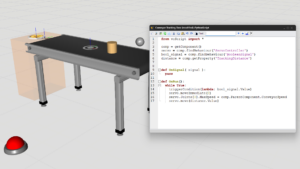
Learn how to create gallery/drop-down menus for Python add-ons.

16 pages

Add-Ons and Extensions

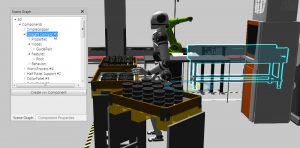
Add a Scene Graph Panel

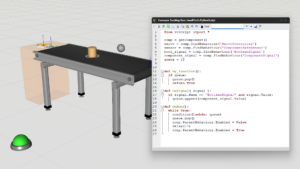
Learn how to develop a plugin that can display the data structure of 3D world and components.

19:29

Add-Ons and Extensions

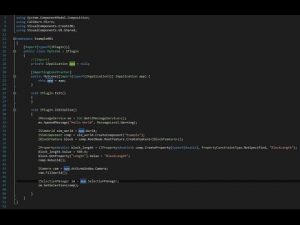
Add a Background Plugin

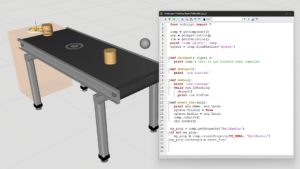
Learn how to develop a simple plugin that can customize the layout of the 3D world.

14:01

Add-Ons and Extensions

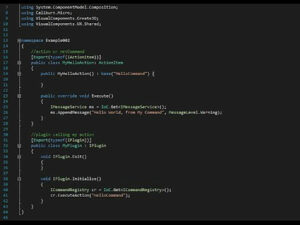
Register a Command

Learn how to create and register a .NET command.

26:59

Add-Ons and Extensions

Use Context and Event Handlers

Learn how to execute actions using the context of the application.

23:42

Add-Ons and Extensions

Subscribe to Events and Messages

Learn how to create a plugin and action that subscribes to events and messages.

20:34

Add-Ons and Extensions

Highlight Dynamic Components

Learn how to edit components created during a simulation.
  • Home
  • Courses
  • Learning Paths
  • Lessons
  • Webinars
  • Facebook
  • Linkedin
  • Twitter
  • RSS
  • Youtube
www.visualcomponents.com
  • © VISUAL COMPONENTS 2026
  • Privacy
  • Cookie settings