Lesson
Find and Use Python Add-ons
GETTING STARTED | USER INTERFACE
With this tutorial you learn to use output panel for an improved filtering messages and separate infos, warnings, and errors.
Software Version: 5.0 or higher
Product: Premium, Professional, Essentials, Premium OLP, Professional OLP or Robotics OLP
0 answers.
Getting Started
This tutorial shows you how to use the Focus mode feature. Focus mode allows users to focus on a specific area of the layout
Getting Started
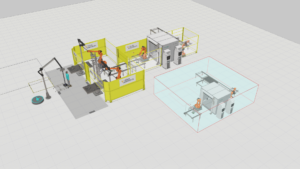
Learn how to manage larger simulations with Sub-Layouts.
Getting Started
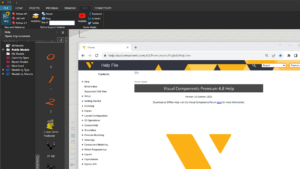
Learn how to access Help file and online material for a Visual Components product.
Getting Started
In this document, you can find information on how to get started with using Visual Components.
Getting Started
Learn how to use the eCatalog panel.
Getting Started
Learn how to add local folders as sources of files in the eCatalog panel.
Getting Started
Learn how to create smart collections for finding and grouping items in the eCatalog panel.
Getting Started
Learn how to display deprecated components in the eCatalog panel.