Lesson
Find and Use Python Add-ons
COMPONENT MODELING | COMPONENT SCRIPTING
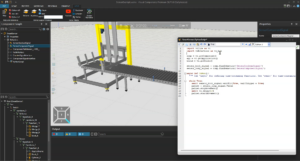
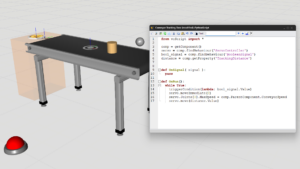
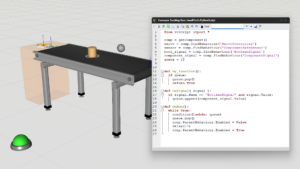
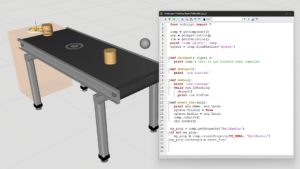
In this step-by-step tutorial, you will learn how to create and work with Python 3 scripts inside Visual Components to make your simulation models more intelligent and interactive. The lesson focuses on using signal values, handling simulation events, consuming simulation time, and dynamically changing component properties and materials. By the end, you will understand how to connect logic to your components so they can respond to the environment during a simulation.
Software Version: 5.0 or higher
Product: Premium, Professional, Premium OLP or Professional OLP
0 answers.
Component Modeling
Learn what blocking functions are and how to use them.
Component Modeling
Learn what blocking functions are and how to use them.
Component Modeling
Get an overview of Python version 2.7 objects, using snippets and a script to add functionality to a component.
Component Modeling
In this tutorial, you will learn how to handle CSV files in Visual Components using Python scripts.
Component Modeling
Learn how to create a python add-on to import point cloud files. This video shows how to access a file, read its contents, and create a point set from the data.
Component Modeling
Learn how to route products on a conveyor line based on product material using components and API.
Component Modeling
Learn how to attach objects to conveyor paths, thereby populating a conveyor with containers such as boxes, trays and sleds.
Component Modeling
Learn how to create a program with Python API to move the camera of the 3D world during a simulation.