Lesson
Find and Use Python Add-ons
CONNECTIVITY | CONNECTING TO SERVER
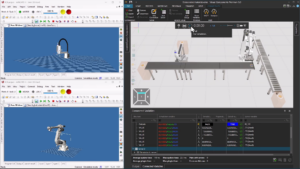
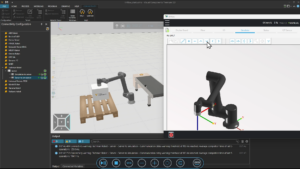
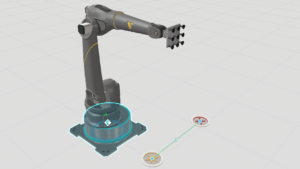
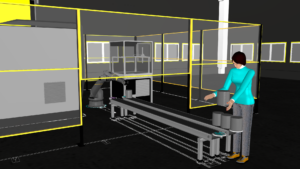
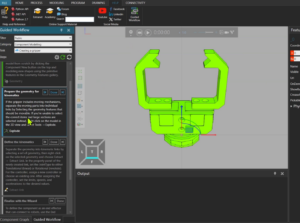
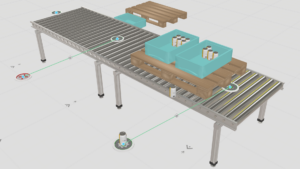
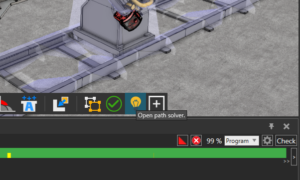
In this tutorial, you will learn how to establish a real-time connection between a Techman (TM) robot and a Visual Components simulation using the Connectivity tab. The lesson covers the full workflow—from preparing the simulation layout and generating the robot program to configuring TMflow and setting up a communication server. By the end, you will understand how to exchange signals and motion commands between Visual Components and a physical or virtual Techman robot, enabling realistic testing, validation, and demonstration of robot behavior.
Software Version: 5.0 or higher
Product: Premium or Premium OLP
0 answers.
Connectivity
Learn how to use LS Electric connectivity plugin
Connectivity
Learn how to use the MQTT Client to connect to an MQTT broker.
Connectivity
Learn how to connect a Denso robot to simulation.
Connectivity
Learn how to use MELFA robot connectivity plugin.
Connectivity
Learn how to connect a Yamaha robot to simulation.
Connectivity
In this tutorial you will learn how to connect a Visual Components Omron robot model to Omron ACE software.
Connectivity
In this tutorial you will learn how to connect a simulation model to a Kawasaki robot controller.
Connectivity
In this tutorial you will learn how to connect a simulation model to a Yaskawa robot controller.