Lesson
Find and Use Python Add-ons
CONNECTIVITY | CONNECTING TO SERVER
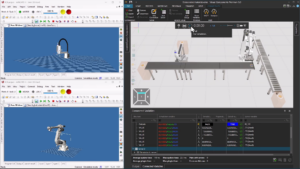
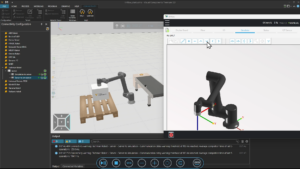
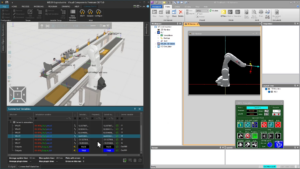
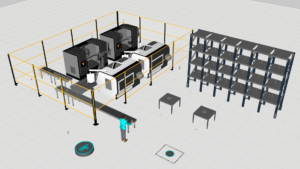
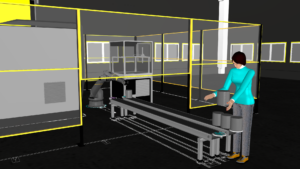
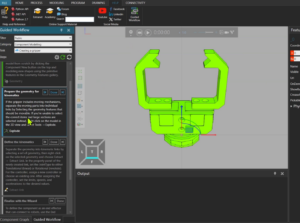
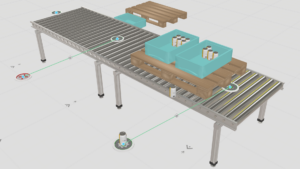
In this tutorial, you will learn how to connect a Yamaha robot controller to Visual Components using the Connectivity tab. The lesson covers the full workflow—from preparing the layout and configuring controller parameters to creating a communication server, pairing I/O signals, and finally testing a complete robot program. By the end, you will understand how to establish live communication between Visual Components and Yamaha RCX Studio so you can run, monitor, and validate robot operations directly within your simulation.
Software Version: 5.0 or higher
Product: Premium or Premium OLP
0 answers.
Connectivity
Learn how to use LS Electric connectivity plugin
Connectivity
Learn how to use the MQTT Client to connect to an MQTT broker.
Connectivity
Learn how to connect a Denso robot to simulation.
Connectivity
Learn how to use connectivity plugin for Techman robots.
Connectivity
Learn how to use MELFA robot connectivity plugin.
Connectivity
In this tutorial you will learn how to connect a Visual Components Omron robot model to Omron ACE software.
Connectivity
In this tutorial you will learn how to connect a simulation model to a Kawasaki robot controller.
Connectivity
In this tutorial you will learn how to connect a simulation model to a Yaskawa robot controller.