Lesson New
Learn the basics of the FactoryLens Add-on
ADD-ONS AND EXTENSIONS | ADD-ONS
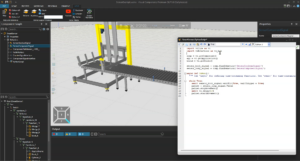
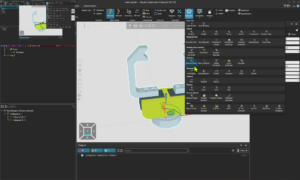
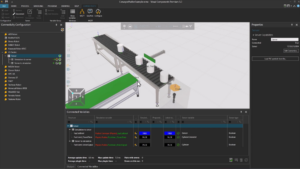
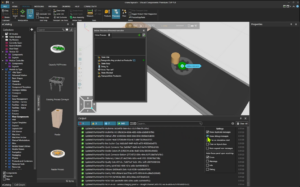
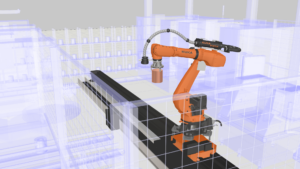
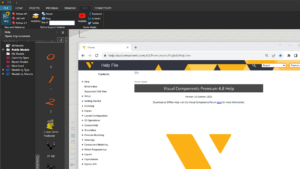
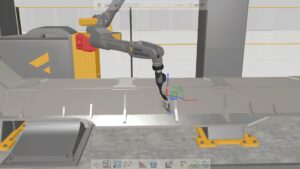
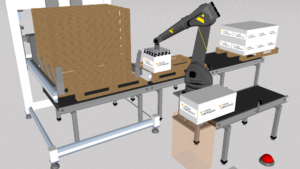
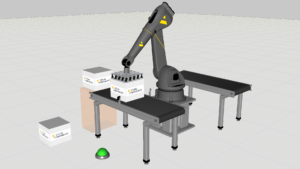
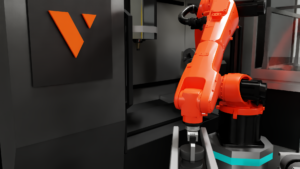
This short tutorial provides a brief introduction to FactoryLens in Visual Components. You will learn where to find FactoryLens, the basic requirements for using it, and how to launch the FactoryLens viewport. Using a simple bin-picking example, the tutorial gives a quick overview of the setup process and shows how to move from a traditional simulation view into an immersive factory experience. It’s a great starting point for anyone new to FactoryLens.
Software Version: 5.1 or higher
Product: Premium, Professional, Essentials, Premium OLP, Professional OLP or Robotics OLP
0 answers.
Add-Ons and Extensions
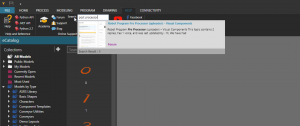
Learn how to find Python add-ons on our forum and make them available for use in a Visual Components product.
Add-Ons and Extensions
Learn how to create gallery/drop-down menus for Python add-ons.
Add-Ons and Extensions
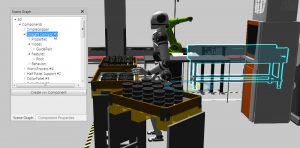
Learn how to develop a plugin that can display the data structure of 3D world and components.
Add-Ons and Extensions
Learn how to develop a simple plugin that can customize the layout of the 3D world.
Add-Ons and Extensions
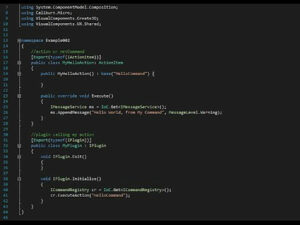
Learn how to create and register a .NET command.
Add-Ons and Extensions
Learn how to execute actions using the context of the application.
Add-Ons and Extensions
Learn how to create a plugin and action that subscribes to events and messages.
Add-Ons and Extensions
Learn how to edit components created during a simulation.