Lesson
Learn the basics of the FactoryLens Add-on
CONNECTIVITY | CONNECTING TO SERVER
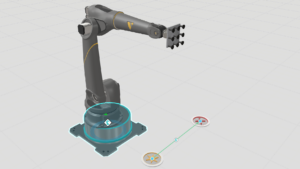
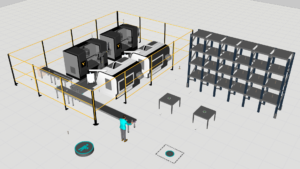
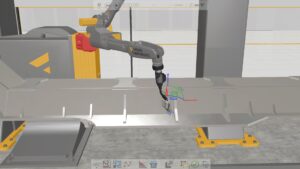
In this hands-on tutorial, you will learn how to establish a live connection between a Hyundai robot controller and Visual Components using the Connectivity tab and the Hyundai HRSpace4 environment. The lesson walks you through preparing the simulation layout for connectivity, postprocessing the robot program, configuring the HRSpace4 project, and finally driving the robot in Visual Components using the VRC.
Note: that to complete this exercise you will need the following:
HRSpace – Offline programming software and simulator for Hyundai robots. It includes a virtual robot controller (VRC) and virtual teach pendant (VTP) for Hi5, Hi6 and Hi7 controllers.
Note that registration is required.
Software Version: 5.2 or higher
Product: Premium or Premium OLP
0 answers.
Connectivity
In this video you will learn how to use OPC UA to connect Visual Components
Connectivity
Learn how to set up Visual Components with Allen-Bradley PLC
Connectivity
Learn how to connect Visual Components with an Epson Virtual Robot Controller.
Connectivity
Learn how to use the connectivity plugin for Nachi robots
Connectivity
Learn how to use LS Electric connectivity plugin
Connectivity
Learn how to use the MQTT Client to connect to an MQTT broker.
Connectivity
Learn how to connect a Denso robot to simulation.
Connectivity
Learn how to use connectivity plugin for Techman robots.