Lesson
Learn the basics of the FactoryLens Add-on
ROS2 | CONNECTIVITY | ROBOT SIMULATION
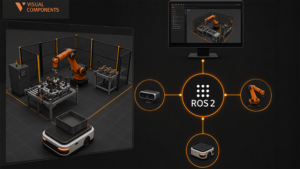
This tutorial guides you through establishing a communication channel between Visual Components 5.2 and ROS2 on Windows.
You will learn how to start Visual Components ROS2 Bridge, create topics and message payload, and see how to move messages between Visual Components and ROS2 ecosystem.
Software Version: 5.2 or higher
Product: Premium, Professional, Essentials, Premium OLP, Professional OLP or Robotics OLP
0 answers.
Connectivity
Learn how to use the connectivity plugin for Hyundai robots
Add-Ons and Extensions
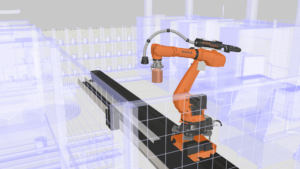
Brief introduction to Factory Lens. Learn how to use FactoryLens to create an immersive factory experience.
Connectivity
In this video you will learn how to use OPC UA to connect Visual Components
Connectivity
Learn how to set up Visual Components with Allen-Bradley PLC
Connectivity
Learn how to connect Visual Components with an Epson Virtual Robot Controller.
Connectivity
Learn how to use the connectivity plugin for Nachi robots
Layout Configuration
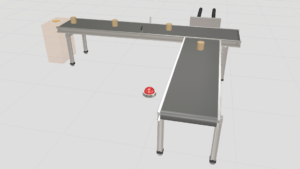
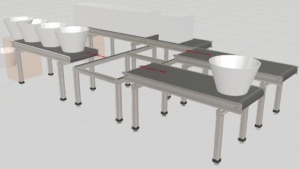
Learn how to define rules for routing parts in a conveyor system.
Layout Configuration
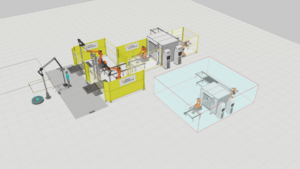
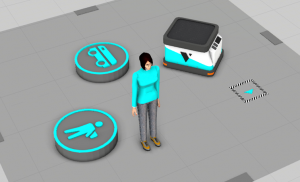
Generic manual for Process Modelling resources such as mobile robots, humans, and forklifts.