Lesson New
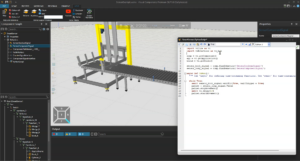
Learn the basics of the FactoryLens Add-on
ROBOT OFFLINE PROGRAMMING (OLP)
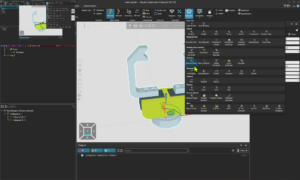
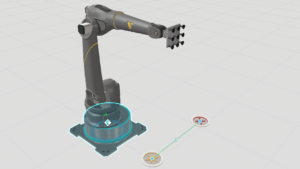
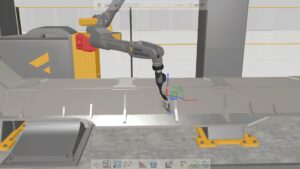
This tutorial covers the basic steps to setup a spray in Robotics OLP that can be visualized and analyzed for OLP use. Use the layout provided in 4.9 eCatalog to create and modify your own sprays and analyze them with inspection tools.
Software Version: 4.9.0 or higher
Product: Premium OLP, Professional OLP or Robotics OLP
2 answers.
Add-Ons and Extensions
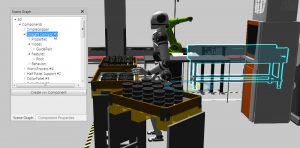
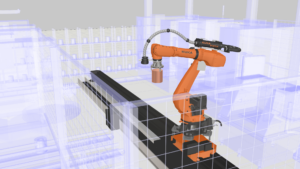
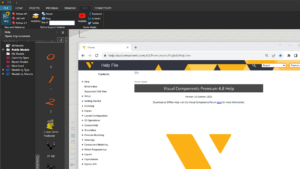
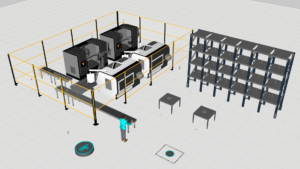
Brief introduction to Factory Lens. Learn how to use FactoryLens to create an immersive factory experience.
Connectivity
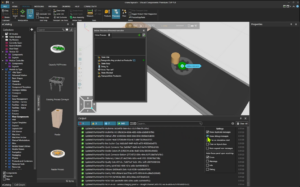
In this video you will learn how to use OPC UA to connect Visual Components
Connectivity
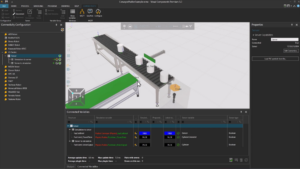
Learn how to set up Visual Components with Allen-Bradley PLC
Connectivity
Learn how to connect Visual Components with an Epson Virtual Robot Controller.
Connectivity
Learn how to use the connectivity plugin for Nachi robots
Layout Configuration
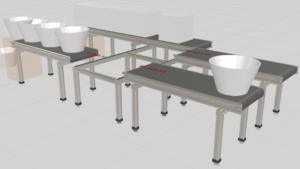
Learn how to define rules for routing parts in a conveyor system.
Layout Configuration
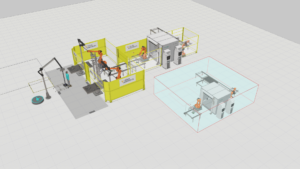
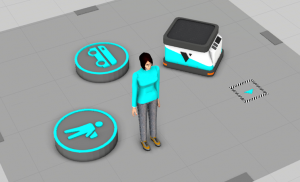
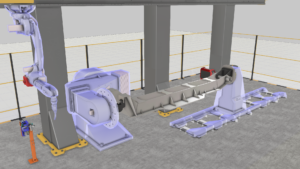
Generic manual for Process Modelling resources such as mobile robots, humans, and forklifts.
Layout Configuration
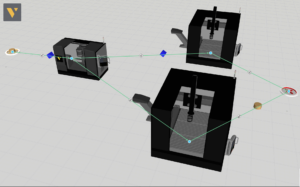
This video shows how to have different processes running from the same machine using the Reserve Product statement in process modeling.
Robot Offline Programming (OLP)
Connecting to a Fronius Power Source and Managing Programs.
Robot Offline Programming (OLP)
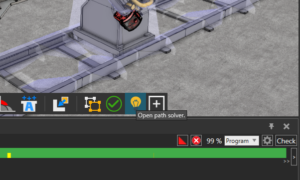
Learn how to use the solver to remove path problems such as joint limits, collisions, etc.
Robot Offline Programming (OLP)
Learn how to create collision geometries.
Robot Offline Programming (OLP)
Learn how to use WPS Rule Manager and WPS Rule Selector.
Robot Offline Programming (OLP)
Introduces searching as a function in robotic welding and possibilities of utilizing searches in robot programming when using Visual Components OLP.