Lesson
Learn the basics of the FactoryLens Add-on
Course › Process Modeling Flows
LAYOUT CONFIGURATION | PROCESS MODELING
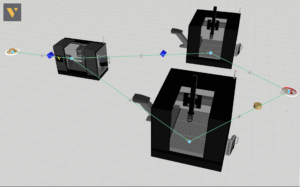
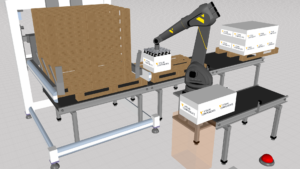
Learn how to define Transport Filters in transport statements in order to change which products are accepted into a process. These filters can be used to e.g. pull an exact product from the flow or create dynamic processes.
Software Version: 4.7.0 or higher
8 answers.
Layout Configuration
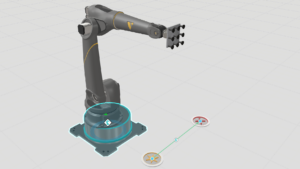
Learn how to add a new flow group and add a product type in it for creating a second flow sequence.
Layout Configuration
This video shows how to have different processes running from the same machine using the Reserve Product statement in process modeling.
Layout Configuration
Learn different ways to add and remove links for transporting products from one process to another.
Layout Configuration
In this video you will learn some of the advanced features of the Process Modeling Flow Editor in Visual Components.
Layout Configuration
In this video you will learn about two advanced features of the Process Modeling Flow Editor in Visual Components
Layout Configuration
Learn how to use Transport Filters in Process Modelling flow.
Layout Configuration
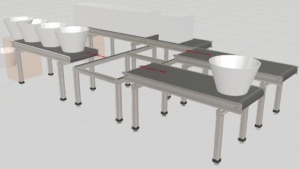
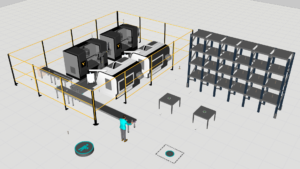
Learn how to route products in conveyor sytems based on where a product comes from and where it needs to go next.