Lesson
Learn the basics of the FactoryLens Add-on
ROBOT SIMULATION | SUBROUTINES AND VARIABLES
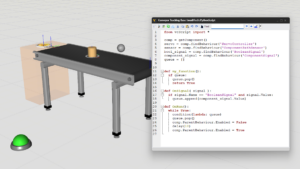
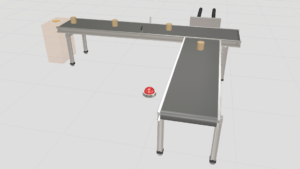
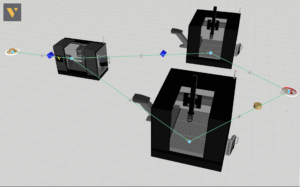
In this video you will learn how to modify and copy and call a robot sequence as part of creating a simple pick & place robot motion. You will also learn how to configure signal actions and arrange your motion statements.
Software Version: 4.5.0 or higher
4 answers.
Robot Simulation
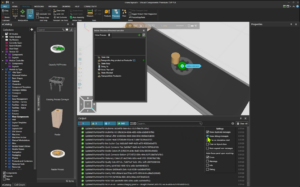
Learn how to add and edit local and global variables in a robot program using an Assign Variable statement.
Robot Simulation
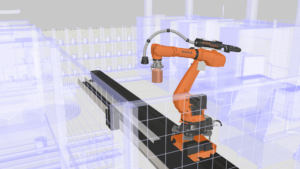
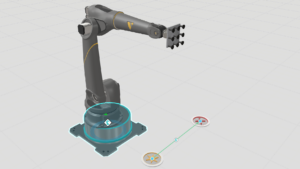
Learn robot teaching basics using the Motion Controller, from setup and jogging to pick-and-place programming.
ROS2
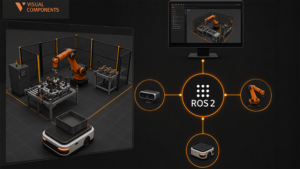
Learn how to establish a communication channel between Visual Components 5.2 and ROS2 on Windows.
Robot Offline Programming (OLP)
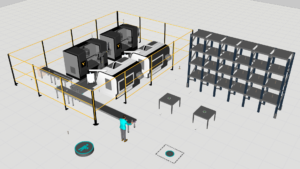
Learn how to use the solver to remove path problems such as joint limits, collisions, etc.
Robot Offline Programming (OLP)
Learn how to create collision geometries.
Robot Offline Programming (OLP)
Introduces searching as a function in robotic welding and possibilities of utilizing searches in robot programming when using Visual Components OLP.
Robot Simulation
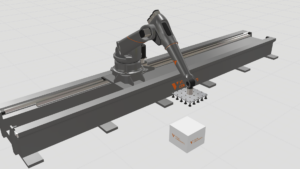
Learn how to do palletizing using robot programming.
Robot Simulation
Learn how to use component signals with robot programming.