Lesson
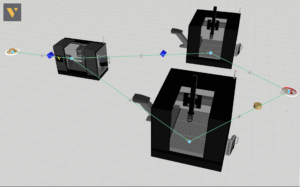
Learn the basics of the FactoryLens Add-on
ROBOT SIMULATION | ROBOT TEACHING
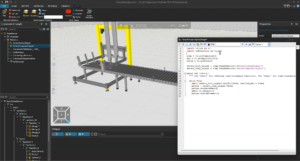
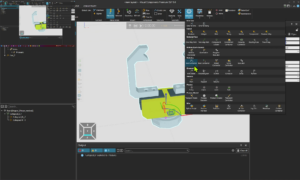
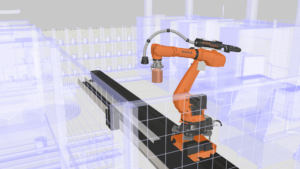
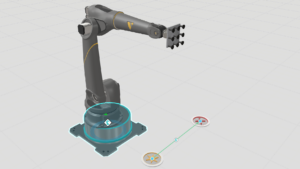
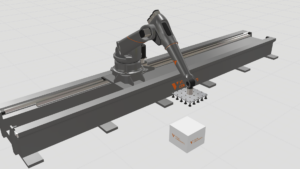
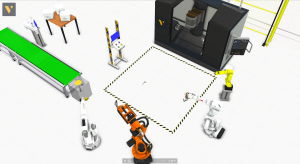
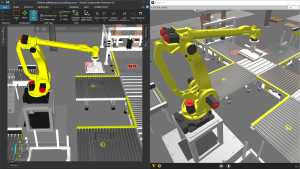
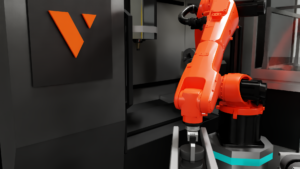
This introductory tutorial teaches the fundamentals of robot programming in Visual Components 5.2 using robots equipped with the new Motion Controller. You will learn how to define tool and base frames, jog the robot, and teach linear and joint motions. The guide also covers configuring grasp and release actions, handling components with a gripper, controlling a floor track, and creating a simple pick-and-place routine. After this tutorial, you are able to build, test, and refine basic robot programs in Visual Components.
Software Version: 5.2 or higher
Product: Premium, Professional, Essentials, Premium OLP, Professional OLP or Robotics OLP
0 answers.
Robot Offline Programming (OLP)
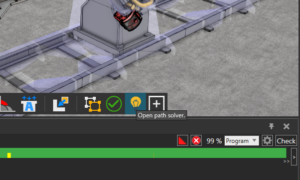
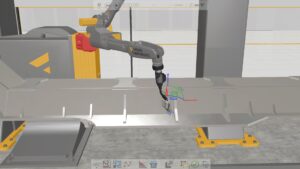
Introduces searching as a function in robotic welding and possibilities of utilizing searches in robot programming when using Visual Components OLP.
Robot Simulation
Shows potential of the KUKA.Sim AddOn for execution of offline programs on a real robot in synchronized or mirrored view.
Robot Simulation
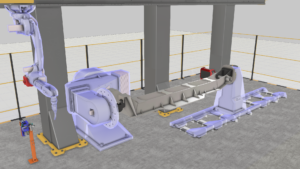
Shows potential of the KUKA.Sim AddOn for configuration, settings and programming of external axes or a workpiece positioner.
Robot Simulation
Introduces the potential of the KUKA.Sim Add On regarding Safe Operation configuration.
Robot Simulation
Introduces the potential of the KUKA.Sim Add On regarding programming, cycle time, tracing and the export to a real KUKA robot.
Robot Simulation
A continuation of Robot Reachability Part I, where you will learn how to locate a robot in order to reach the required positions.
Robot Simulation
Learn some basics on how to use an articulated robot to pick up a part.
Robot Simulation
Learn how to locate a robot in order to reach all of the required positions in a layout using Visual Components.